Bitz Net VPN Subscription
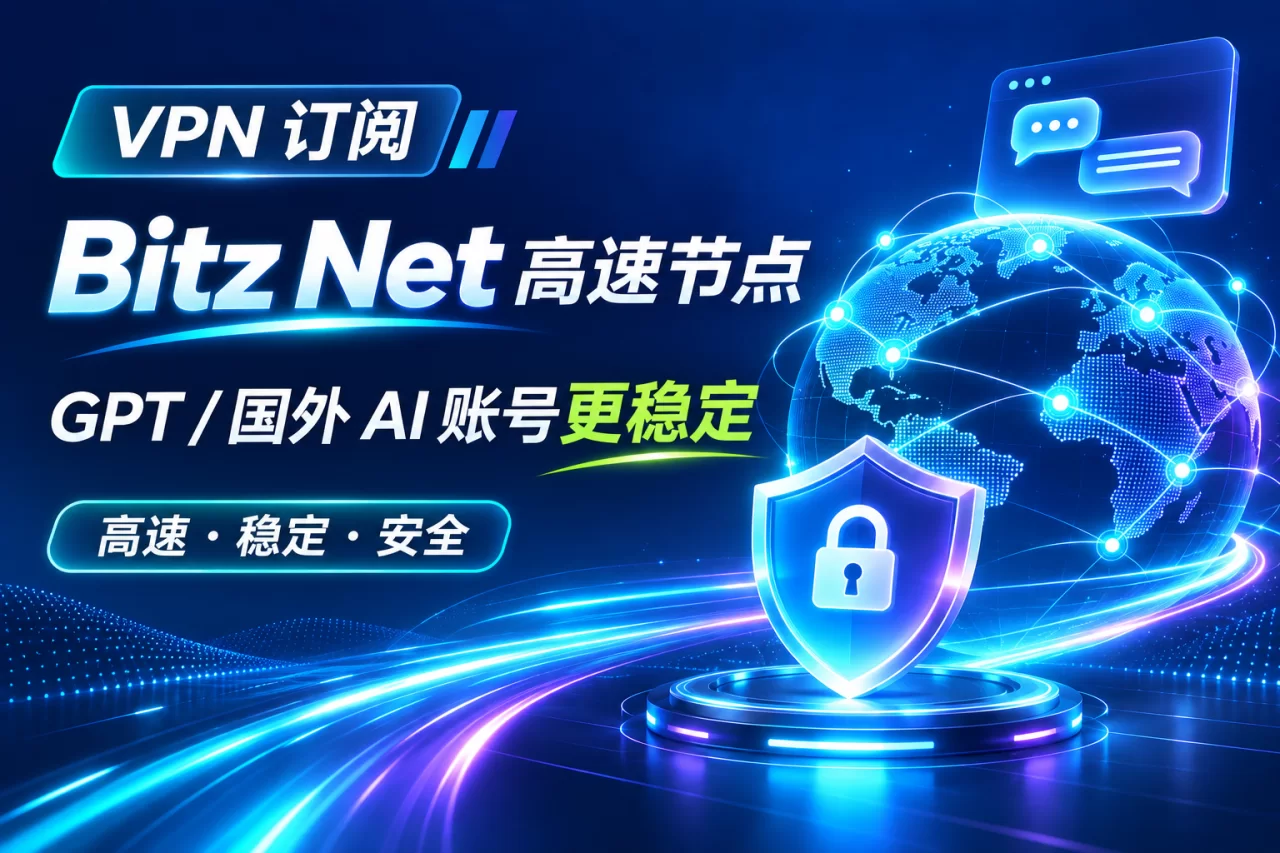
Bitz Net VPN subscription, self-service registration and activation. High-speed nodes in Japan / Singapore / Hong Kong, more stable access to overseas AI accounts like ChatGPT and Claude.
Choose a payment method, including Alipay / WeChat and more
After successful payment, the system instantly issues the card code
Copy from the order page or "User Center → My Card Codes" and redeem according to the instructions
Service overview
Bitz Net VPN subscription, self-service registration and activation. After payment, the systemautomatically issues the codethe card code contains an exclusive registration link; open it and the invite code is filled in automatically. After registering, you can self-select plans and nodes.
This service is forChatGPT, Claude, Gemini and other overseas AI accountsstable access needs, as well as daily use cases that require a stable overseas network exit.
Why we recommend it for overseas AI
Overseas AI services are sensitive to the region and purity of the exit IP. Shared IP pools are used by many users at the same time long-term, which easily leads to these situations:
- login requires extra verification and frequent disconnections;
- sessions are flagged as abnormal and accounts get restricted;
- node congestion and noticeably delayed responses.
Using a VPN dedicated line can fix the exit IP to your chosen node,the stability improvement for GPT and overseas AI accounts is the most obvious.
Node selection advice (important)
- Northern users (North China / Northeast / Northwest)→ recommend Japan nodes
short physical distance, lowest link latency, smallest packet loss. - Southern users (East China / South China / Southwest)→ recommend Singapore nodes
short detour path, more stable cross-border link, no speed drop during peak hours.
Choosing the wrong region can cause higher latency or peak-hour congestion,just choose according to your locationAfter registration, you can switch nodes yourself on the official website. It is recommended to test latency with the recommended node first, then fix it.
Purchase and delivery
- Orderselect a spec, pay online or with balance;
- Automatic card deliveryafter successful payment, the system immediately issues the card code (CDK). Please save your order info and card code;
- Self-service activationcopy the registration link in the order → open in browser → enter email and password → the invite code is already filled in automatically → complete registration;
- Select nodeafter logging in, choose node and traffic on the official website plan page. Once the subscription takes effect, you can use it in the client.
Usage steps (three steps)
- Copy the registration link in the order details and open it in a browser;
- Enter email and password to complete registration; no need to enter the invite code manually;
- After logging in, choose a plan and node on the official website, then import the subscription in the client to start using.
FAQ
- What is a card key?
It is an exclusive registration link with an invite code, not an account or password. Do not share it publicly. - Do I need to provide my account password?
Not needed. It is fully self-service registration with no account login on your behalf. - What are the subscription duration and data allowance?
Determined by the plan on the official website. After registration, purchase and renew on your own. - Can I change the node if I choose the wrong one?
Yes. After registration, switch nodes yourself on the official website.
Specifications
- Product name: Bitz Net VPN subscription registration channel
- Product form: card key (registration link)
- Delivery method: automatic system delivery
- Delivery time: instant
- Purchase limit: max 1 item per account in total
- Recommended nodes: users in the north choose the Japan node, users in the south choose the Singapore node
1. This product delivers a "Bitz Net registration invite link card key". After delivery, you must register on the official website yourself and purchase a plan,**does not include**any registered account or subscription duration.
2. The card key content is the registration link. Copy it directly into your browser to open; the invite code is filled in automatically, no manual entry needed.
3. Users in the north are advised to choose the Japan node, users in the south the Singapore node; after registration you can switch on the official website yourself.
4. Subscription plans, nodes, data allowance and renewal are all self-managed on the official website. This product does not collect renewal payments.
5. The card key is a one-time registration channel. Do not share it publicly.
· Card key not registered: apply anytime; after verification by order number, refunded to the original payment method.
· Registered but plan not purchased: the card key has been used and is not eligible for refund; contact customer service for help troubleshooting registration issues.
· After successful registration and plan purchase: the plan and after-sales are handled by Bitz Net officially; this product only provides the registration channel.
· Cannot access the official website due to network issues: contact customer service and we will help troubleshoot nodes and the registration process.
Enter on redemption site CDK → Bind ChatGPT account → Confirm redemption for automatic activation, a 70-second video shows every step. Also includes a pre-purchase account checklist, official billing download, and after-sales scope details. We recommend reading fully before ordering.
View full tutorial →How long after ordering is delivery?
For automatic delivery products, the system issues the code immediately after successful payment (credited in seconds); after completing redemption per the redemption page prompts, it takes about 15 minutes–1 to take effect within hours.
Where can I find my card code / redemption info?
After successful payment, it displays directly on the order page. You can also copy it anytime from "User Center → My Card Codes"; manually activated products take effect immediately after activation, no redemption needed.
Which payment methods are supported?
We support multiple payment channels such as Alipay and WeChat. You can choose on the checkout page, and delivery is triggered automatically after payment.
Is there after-sales support?
Yes. If normal usage issues occur within the after-sales period stated on the product, you can submit your order number and issue screenshots via "Online Support" or "User Center → Tickets". We handle them per the product page after-sales terms; see the "After-sales Terms" tab above for detailed rules.
Can I get a refund?
Virtual goods cannot be refunded without reason once delivered; if the card code itself is invalid, please contact support within 24 hours with your order number and error screenshots for verification.
How do I contact support if I have issues?
Click the customer service bubble in the bottom right corner or "Online Support" in the footer, or go to "User Center" → Tickets"; live support hours are 13:00–01:00. Outside these hours, leave a message and we'll handle it as soon as we're back.